If there is water in your phone speaker, wipe the phone, remove the case, and tap it gently against your palm with the speaker and charging port facing down. Then play a low 165 Hz tone at full volume for 60 seconds to push the remaining droplets out of the grille, and let the phone air dry. Do not use rice, a hair dryer, compressed air, or cotton swabs, and do not charge it with a cable until it is dry.
You can run that tone now with our free water eject sound. It plays in your browser, with no app and no sign-up. The rest of this guide covers each step, the differences between iPhone and Android, and the signs that water has gone further than the speaker.
Water in phone speaker: what to do in the first 60 seconds
- Get it out and check it. Does the screen work normally? If the phone is an older model with no water resistance, was under water for a long time, or is acting strangely, turn it off now and skip the sound steps below.
- Unplug everything. Disconnect charging cables and wired headphones. Apple says to unplug all cables and not to charge until the phone is completely dry.
- Take off the case. Cases trap a ring of water around the bottom speaker and port. It will not dry while the case holds it there.
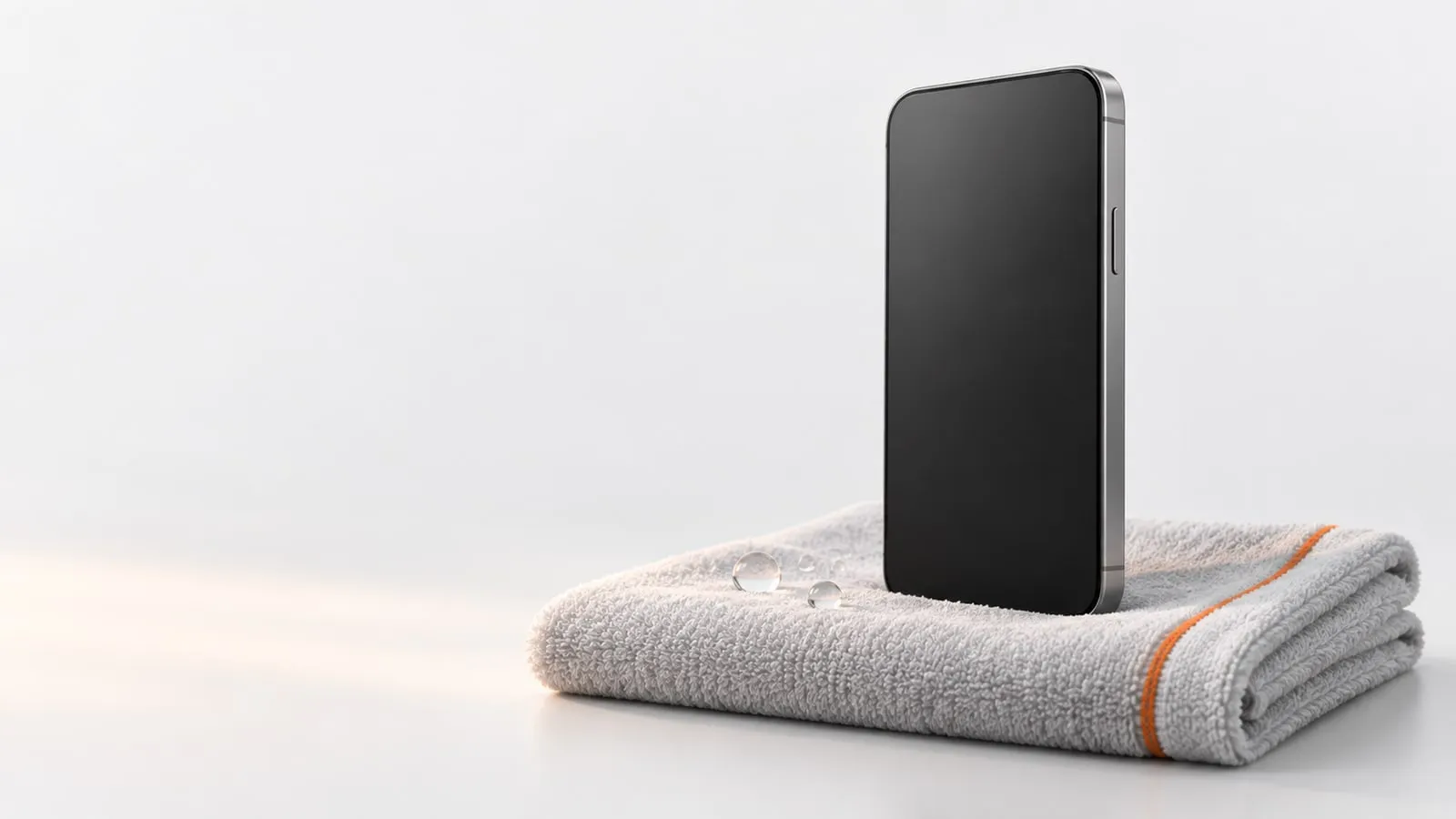
- Wipe it. Use a soft, lint-free cloth such as a lens cloth. Wipe the grilles, the port area, and the buttons.
- Tap it, speaker down. Apple’s advice is to tap the iPhone gently against your hand with the connector facing down. Samsung suggests gently shaking a Galaxy 5 to 10 times with the port facing down. Both stress gently.
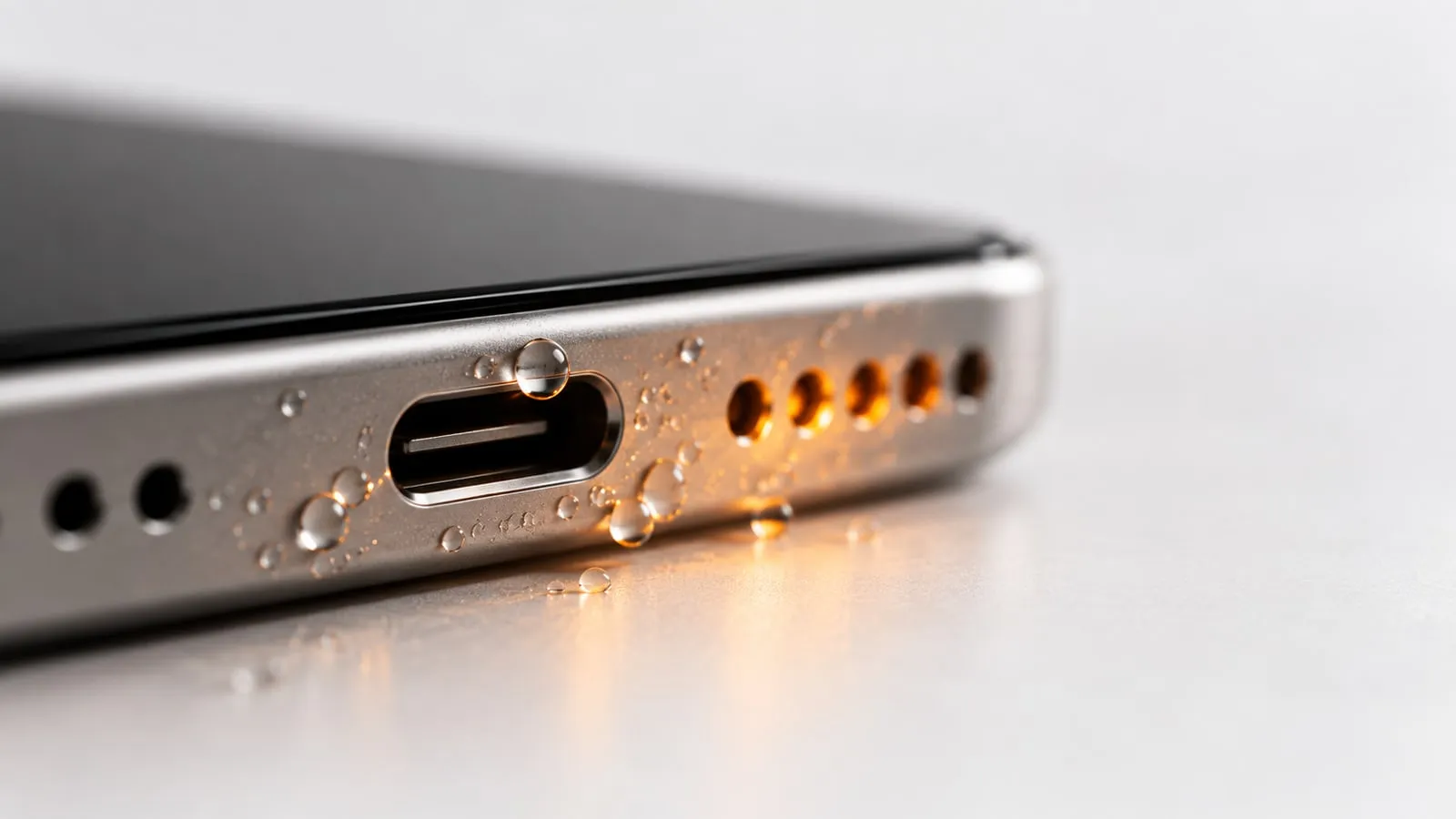
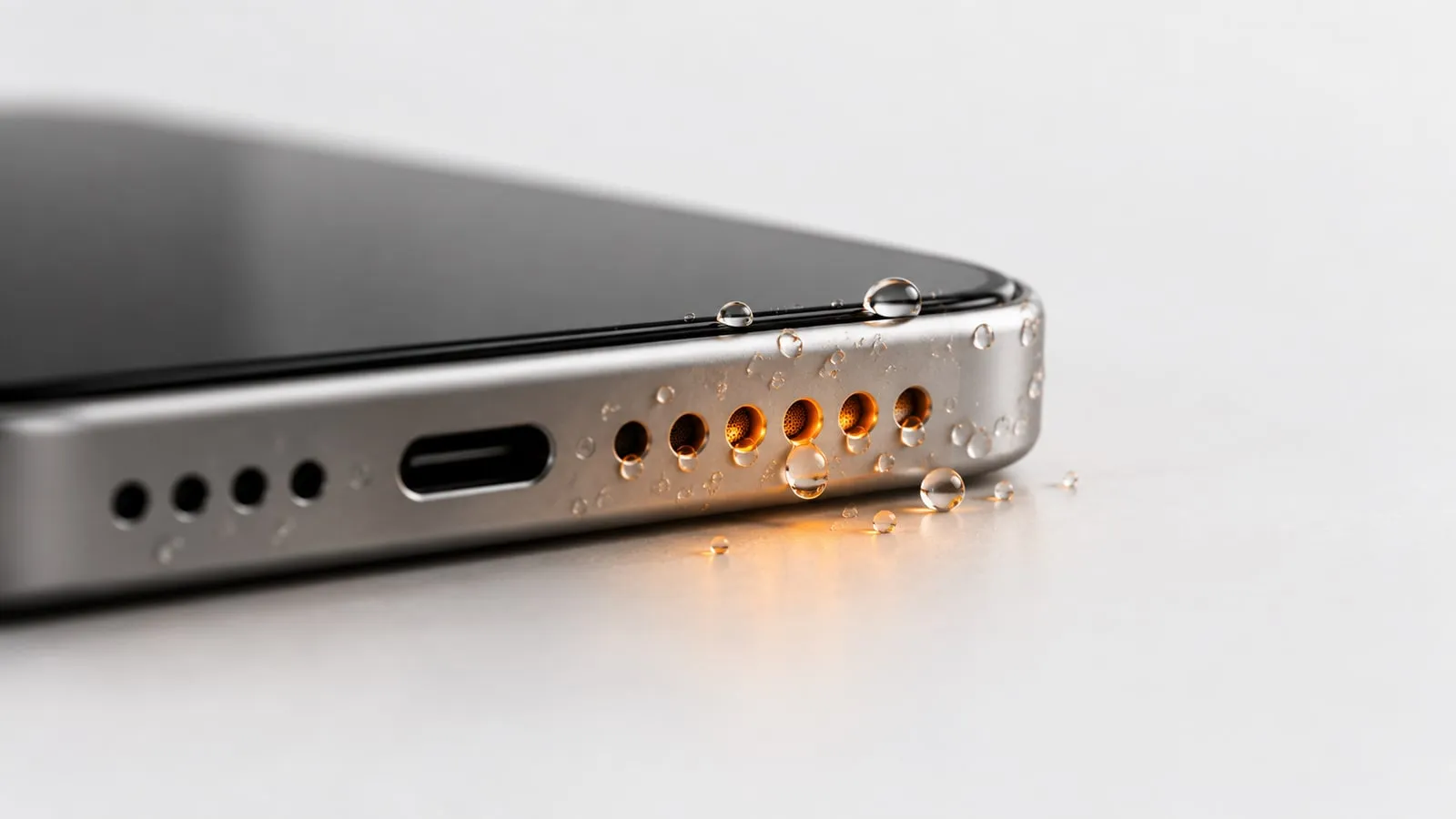
- Check for drips. Apple suggests placing the iPhone speaker side down on a lint-free cloth to see if water drips out. A wet spot under the grille tells you the speaker is still holding water.
Should you turn the phone off?
Samsung and Google both advise turning a wet phone off, and Samsung is firm about it for phones that are not water resistant. For a modern IP67 or IP68 phone that took a quick splash or dunk in fresh water and works normally, the problem is mostly water in the open grilles and port, which is what the steps below fix. If in doubt, power it off and let it dry first.
How to get water out of phone speaker with sound
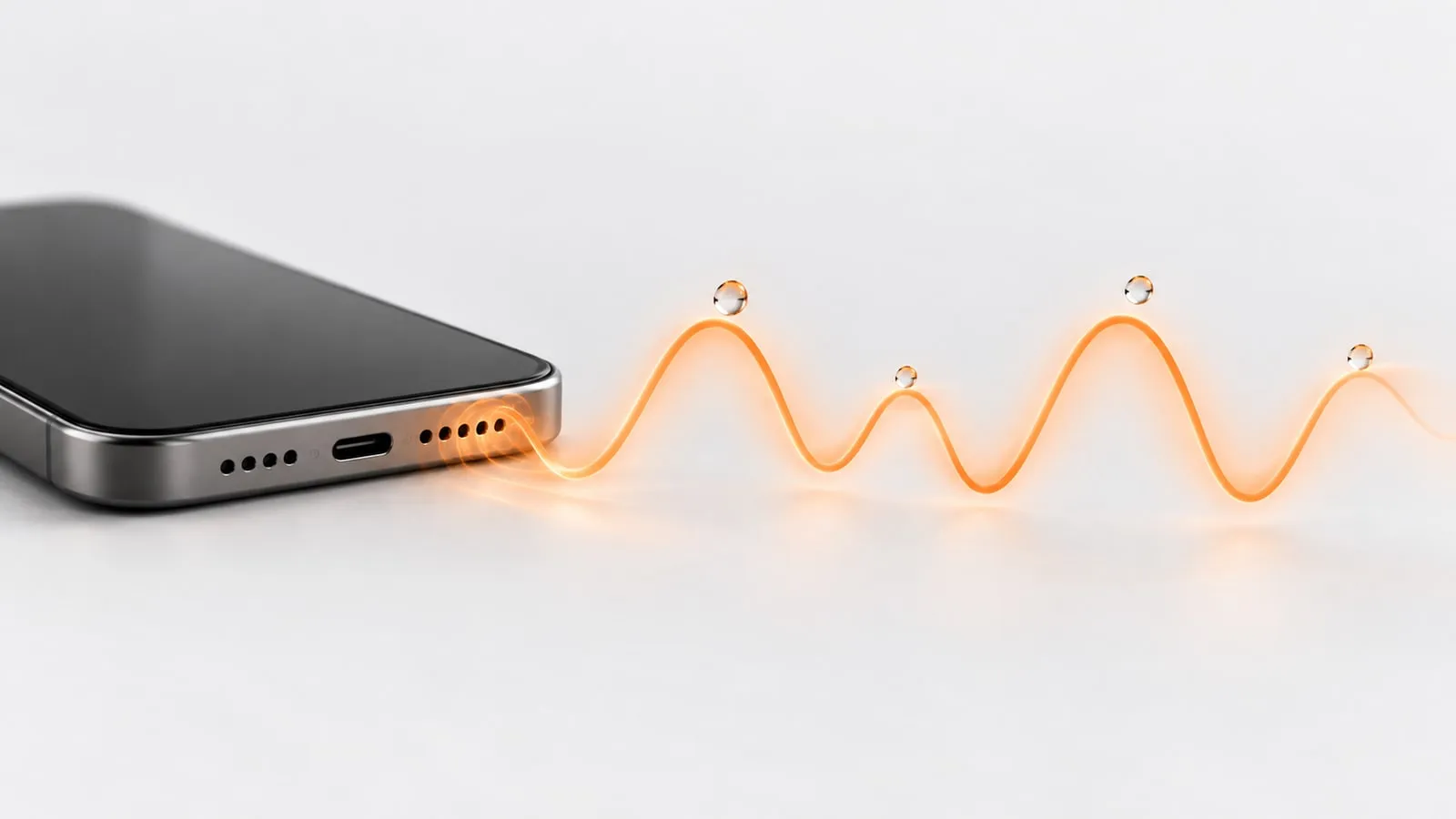
Surface tension holds water in the fine mesh over the speaker. A strong, low tone makes the speaker cone move in and out, which pushes air through the mesh and knocks the droplets loose.
- Open the water eject sound page on the wet phone.
- Turn the volume all the way up and make sure silent mode is off.
- Disconnect Bluetooth headphones or speakers, or the sound will play there instead.
- Hold the phone with the speaker facing down, so gravity pulls the droplets out.
- Choose Water mode and press Start. It plays a 165 Hz sine pulse, switching on and off, for 60 seconds.
- Let the full minute play. You may see a fine mist or small drops on the cloth under the grille.
The pitch matters. Phone speakers play very little below about 150 to 200 Hz, and the cone moves furthest near the low end of what the speaker can still play. Very high tones like 10,000 Hz barely move it. The full explanation is in why 165 Hz works for speaker cleaning.
On Android browsers, the tool can also vibrate the phone during the tone. iPhones block vibration for websites, so on iPhone the sound does all the work.
If it is still muffled: second run or Deep clean
One run often clears most of the water. If the speaker still sounds dull:
- Run Water mode once more. Some droplets sit deeper in the acoustic channel and need a second push.
- Then try Deep clean. It runs for 2 minutes in three phases: the 165 Hz pulse, a sweep from 100 to 800 Hz, then square-wave bursts alternating between 140 and 220 Hz. The changing pitch shakes droplets that the steady tone missed.
- Clean the earpiece separately. If callers sound quiet or muffled, the small top speaker got wet too. Use Ear speaker mode, a gentler 400 to 1500 Hz sweep for 45 seconds, sized for that tiny driver.
After two or three runs, stop. Extra runs rarely help, and whatever is left needs air and time. To check your result, play a song or use the speaker test to compare the left and right speakers.
Let it air dry, the right way
Sound removes the water that sits on the grille. The film left inside still has to evaporate.
- Leave the phone in a dry room with some airflow. Apple says a fan blowing cool air into the connector can help.
- Google’s advice for Pixel is to set it on a flat surface to dry at room temperature.
- Keep the case off until everything is dry.
- Apple says to wait at least 5 hours before charging with a Lightning or USB-C cable or connecting an accessory. Apple also says the connector can take up to 24 hours to fully dry.
In many cases the speaker sounds normal again within a few hours to a day. For a rough hour-by-hour picture of what to expect, see will water in a phone speaker dry on its own.
What not to do (and why)
| Don’t | Why |
|---|---|
| Put it in rice | Rice does not pull water out of a sealed phone, and Apple warns that small rice particles can damage the iPhone. |
| Use a hair dryer or other heat | Apple and Samsung both warn against external heat, and Google says to dry a Pixel at room temperature. Heat can harm the battery, adhesives and seals. |
| Blow compressed air into the grille | Apple and Samsung both warn against it. A hard blast can push water deeper and stress the speaker membrane. |
| Push in cotton swabs, paper towel or pins | Apple says not to insert foreign objects into the connector. Fibers snag on the mesh and a pin can tear it. |
| Charge with a cable while wet | Apple warns that wet connector pins can corrode and cause permanent damage. |
| Open the SIM tray while wet | Apple says to make sure the iPhone is dry first. An open tray is a way in for water. |
| Shake it hard | Samsung notes that excessive force or shaking can damage the phone. Gentle taps are enough. |
The rice myth
Rice is one of the most repeated tips online, and Apple tells you not to use it. In its liquid-detection article, Apple says: “Don’t put your iPhone in a bag of rice. Doing so could allow small particles of rice to damage your iPhone.”
Rice only touches the outside of the phone. It cannot reach water trapped in a speaker chamber or a port, and it can leave starch dust and broken grains in the openings. A phone buried in rice also sits in still air, the opposite of the airflow Apple recommends. Run the water eject tone instead, then leave the phone speaker side down on a cloth in front of a fan on a cool setting.
iPhone notes: liquid detection and no built-in water eject
Liquid-detection alert. On iPhone XS, XR and later, the iPhone can warn you about liquid in the Lightning or USB-C connector. It is not a screen in Settings. It only appears when you connect a cable or accessory, with messages such as “Charging not available” or “Liquid Detected in USB-C Connector”. The alert is about the port. The speaker can hold water whether or not you see it.
Emergency override. If you reconnect the cable, iPhone lets you override the alert and charge anyway. Apple warns that charging with a wet connector can corrode the pins and cause permanent damage, so use it only in a real emergency. A Qi wireless charger is the safer option once the back of the phone is dry.
No water eject setting. iPhone has no built-in way to eject water. The feature people remember is Apple Watch Water Lock, which plays tones to clear water from the watch speaker when you turn it off. A browser tone does the same kind of job for the iPhone speaker. For the port itself, see can sound remove water from the charging port.
Android notes: Samsung “Moisture detected” and Pixel alerts
Samsung Galaxy. Galaxy phones rated IP68 have a moisture sensor in the USB port. If it detects water, you see a water drop icon and a Moisture detected message, and wired charging stops. Samsung’s steps: unplug, wipe or gently shake the phone 5 to 10 times with the port facing down, then leave it on a cloth in a well-ventilated area or in front of a fan. Once the port is dry, restart the phone. Wireless charging still works on supported models. Samsung also recommends a service center inspection after water exposure, even if the phone seems fine.
Google Pixel. Pixels show “Liquid or debris in USB port”. Google’s advice is to turn the phone off, set it on a flat surface to dry at room temperature, and wait for the message “OK to use USB port”. If the warning stays for two hours or more, Google says to contact support.
Neither Samsung nor Pixel has a built-in speaker cleaning tone, so the browser tool works the same way on both.
Salt water, pool water and sugary drinks
Sea water, pool water, soda and juice leave salt, chlorine or sugar on the speaker mesh after the water evaporates. That residue keeps the speaker muffled and can speed up corrosion.
- Apple’s advice: “If a liquid other than water splashes on your iPhone, rinse the affected area with tap water.” Then wipe it with a soft, lint-free cloth and dry it as above.
- Samsung’s advice for water resistant Galaxy phones exposed to soap water, oil, perfume, sunscreen and similar liquids: rinse the device in clean water for 1 to 3 minutes to remove residue, salt or foreign materials, then wipe and dry it completely. Samsung says to follow these steps only if the phone is water resistant.
- Keep it gentle. Use a light stream of tap water, not a pressurized jet. Apple lists pressurized water among the things to avoid.
- Older or unrated phones: do not rinse. Turn the phone off and take it for inspection.
Apple lists most iPhones from the XS and XR onward as resistant to spills of soda, beer, coffee, tea and juice, but resistant does not mean the residue goes away. Run the water eject tone after rinsing, so you push out clean water. Sound cannot dissolve dried sugar or salt, so if the speaker is still dull once dry, see why a phone speaker sounds muffled.
Symptoms after water exposure: likely cause and what to do
| Symptom | Likely cause | What to do |
|---|---|---|
| Speaker sounds muffled or quiet | Droplets on the grille mesh | Water mode, then air dry |
| Buzzing or rattling at high volume | A droplet vibrating on the mesh | Water mode, then Deep clean |
| Callers sound quiet or muffled | Water in the earpiece | Ear speaker mode, then air dry |
| People say you sound muffled | Water in a microphone hole | Air dry, speaker and mic side down |
| Liquid or moisture alert when charging | Water in the charging port | Unplug, tap port down, wait, retry later |
| Still muffled after rinsing salt or soda | Dried residue in the mesh | Rinse again (rated phones only), soft brush once dry |
| Crackle at every volume after 48 hours | Damaged driver or corrosion | Speaker test, then repair shop |
| Screen glitches, fog under the camera, won’t turn on | Water inside the phone | Power off, no sound tools, repair shop |
If crackling is the main symptom rather than muffling, our guide to iPhone speaker crackling after water walks through how to tell a droplet from grit or a damaged speaker, step by step.
When to get it repaired
A water eject tone fixes water on the speaker grille. It cannot fix water inside the phone, corrosion, or a damaged driver. Get the phone checked if:
- It will not turn on, restarts on its own, or the screen flickers or shows lines.
- You see fog inside the camera lens or under the screen.
- The speaker still crackles or sounds distorted at every volume 48 hours after exposure.
- The liquid or moisture alert keeps coming back after a full day of drying.
- The phone was in salt water, pool water or a sugary drink and is not water resistant.
Apple’s one-year warranty does not cover liquid damage, and iPhones have Liquid Contact Indicators that turn red after contact with water. AppleCare+ covers liquid damage as accidental damage, with a service fee. Google’s Pixel warranty also excludes water damage. Consumer law may give you extra rights.
If the phone works and the only problem is sound, start with the water eject sound, give it a day of air drying, and check the result with the speaker test before paying for a repair.
Sources
- Apple Support: About splash, water, and dust resistance of iPhone
- Apple Support: If you see a liquid-detection alert on your iPhone
- Apple Support: How to use Water Lock and eject water from your Apple Watch
- Apple Support: Water and other liquid damage to iPhone or iPod isn’t covered by warranty
- Apple: AppleCare+
- Samsung UK: How to protect your Samsung Galaxy device after water exposure
- Samsung UK: My device displays a water drop icon and will not charge
- Google Pixel Help: Help prevent water damage to your Pixel phone
- Google Pixel Help: Fix “Unplug charger” or “Liquid or debris” message