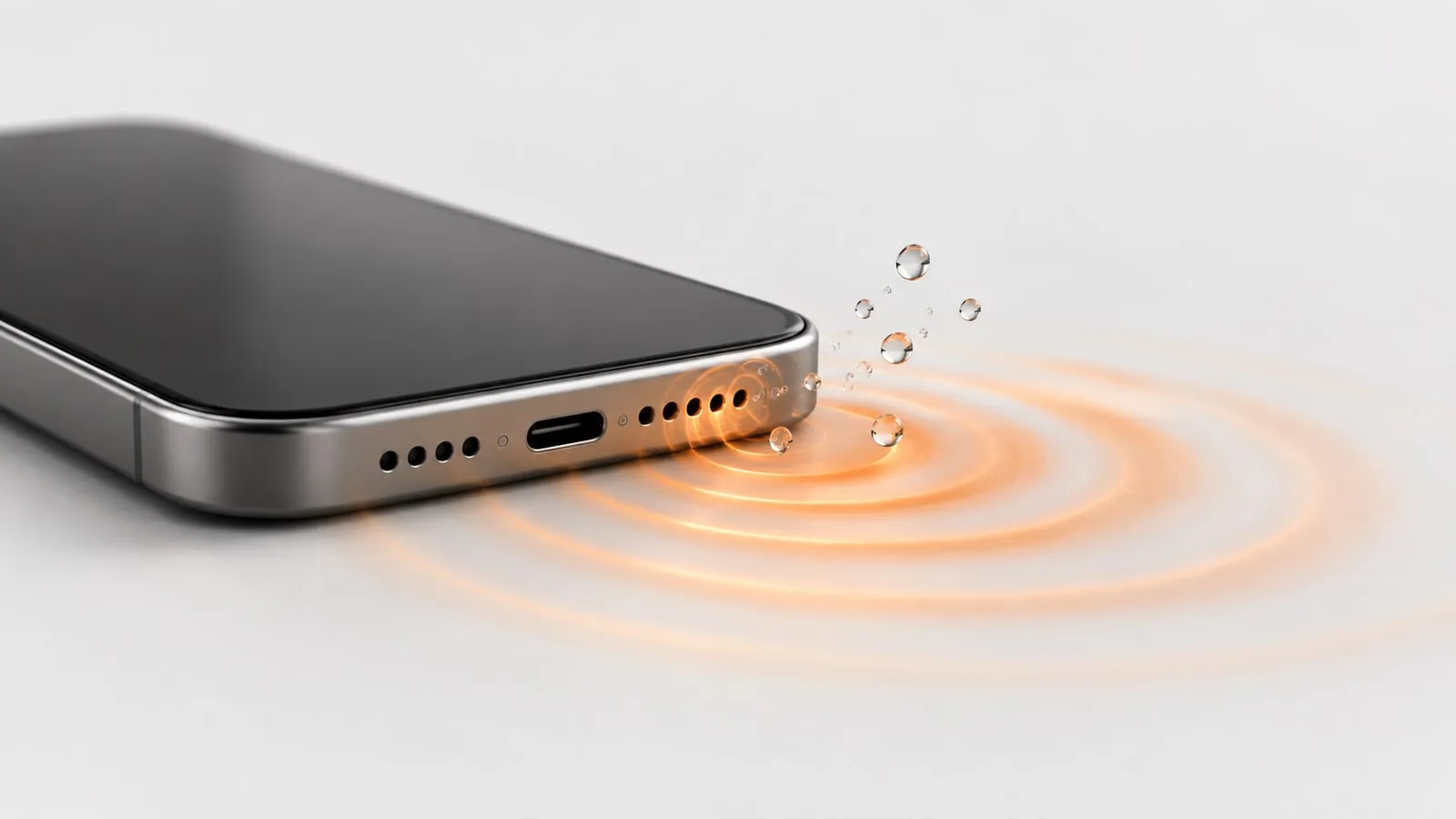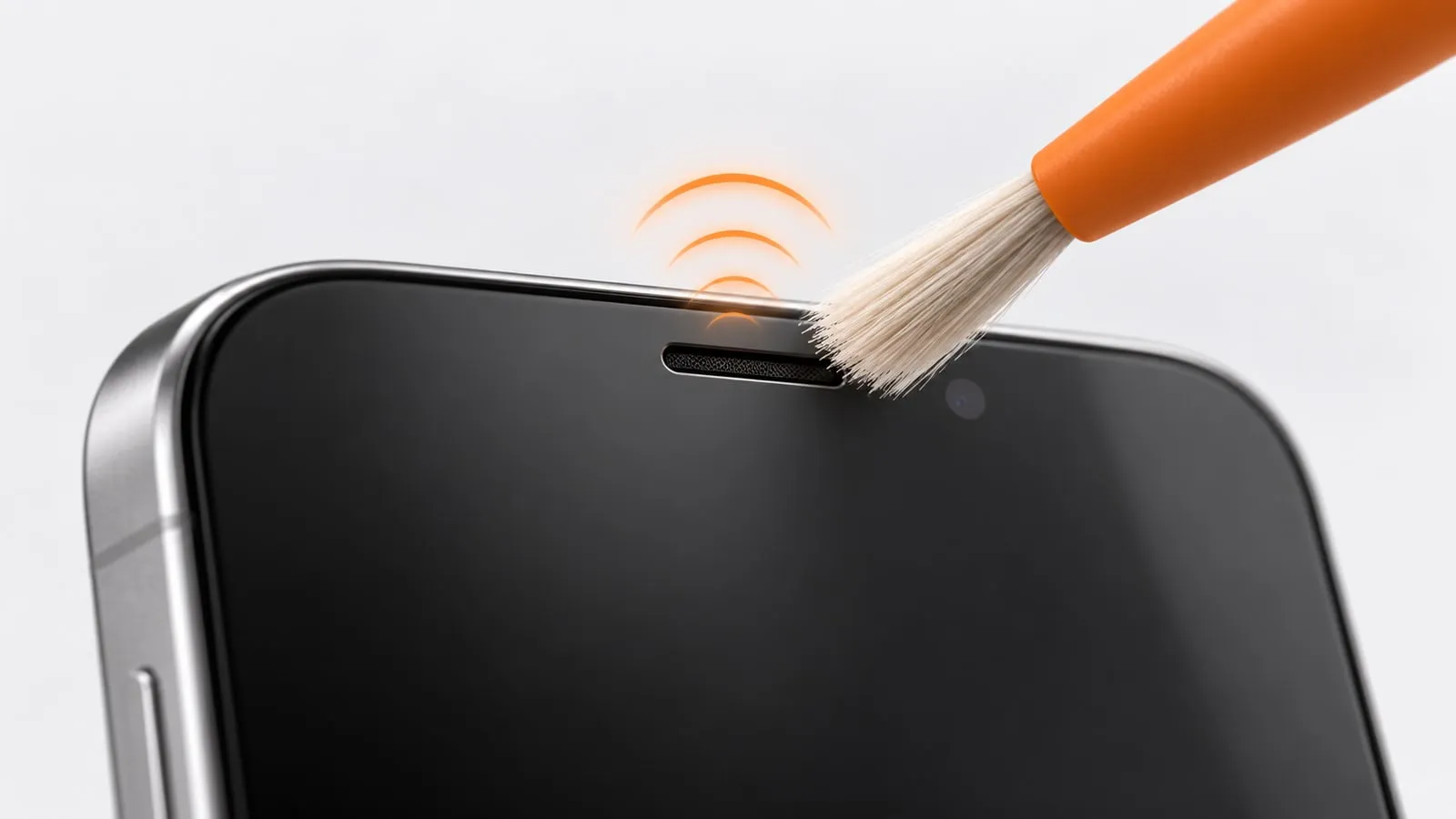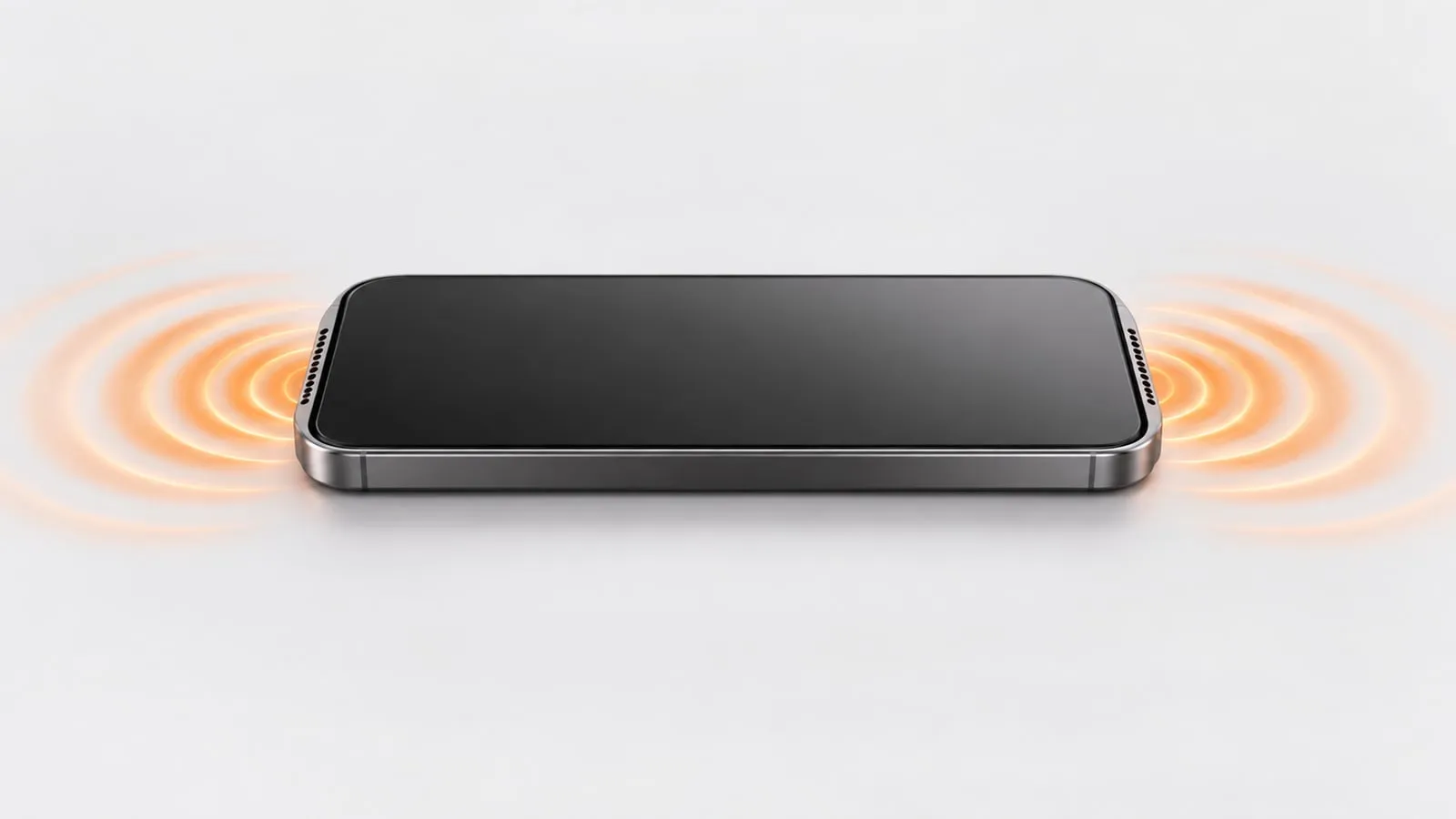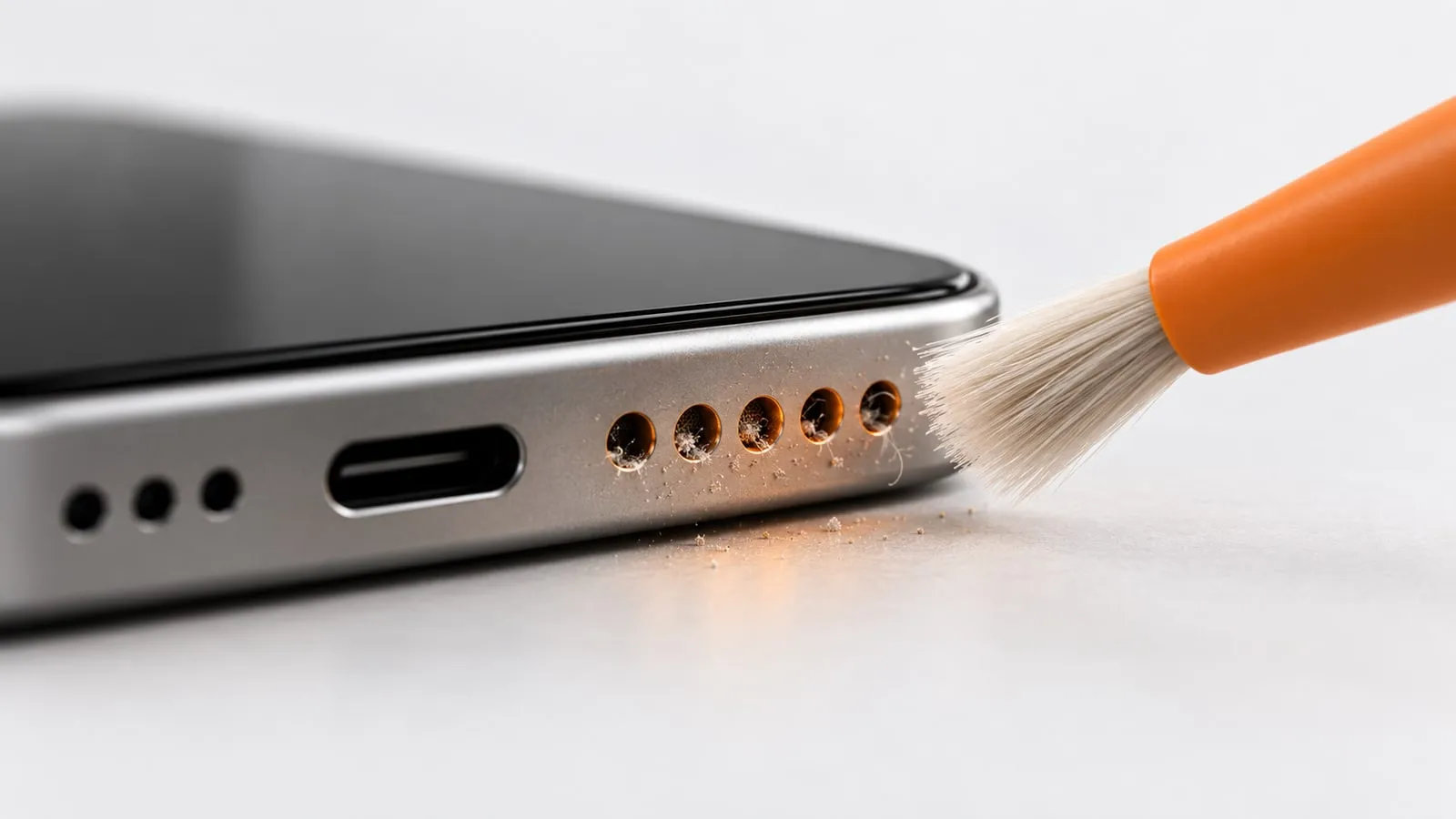
To clean dust out of a phone speaker safely, power the phone off, brush across the holes with a soft, dry toothbrush held at an angle, dab lightly with low-tack putty or tape, then play a dust cleaning sound to shake loose what is left. Never push anything into the holes, and skip compressed air. That order removes surface lint first, then lets vibration move the fine dust you cannot reach.
Before you start: find the right holes
Phones put their speakers in different places. Clean the ones that actually play sound, and be gentle with the rest, because some holes are microphones.
- iPhone bottom grille: the row of holes on the bottom edge, next to the charging port. One side is the loudspeaker, and other holes hide microphones.
- iPhone earpiece: the thin slot at the top of the screen. On iPhones with stereo speakers, it also plays media, so a dirty earpiece makes videos sound lopsided.
- Android bottom or side-firing speakers: most Android phones have a slot or row of holes on the bottom edge. Some have the grille on the side of the frame, and stereo models often use the earpiece as the second speaker.
- Rear speakers: some older and budget phones have a grille on the back, which collects dust from every table you set the phone on.
Not sure which is the speaker? Play a video and put a fingertip lightly over each grille in turn. The sound drops when you cover the right one.
Step by step: how to clean phone speaker dust
1. Turn the phone off and remove the case
Powering off stops sounds and accidental taps while you work. Take the case off too: lint collects in the case cutout and falls straight back in if you leave it on.
2. Brush at an angle with a soft, dry brush
Use a clean, dry, soft toothbrush or a small soft paintbrush. Apple’s own advice for a blocked speaker or receiver is a small, soft-bristled brush that is clean and dry.
- Hold the phone with the speaker facing down, so loosened dust falls out instead of in.
- Angle the bristles about 45 degrees and brush across the holes, not straight into them.
- Use short, light strokes. The weight of the brush is enough pressure.
- Tap the phone gently against your palm now and then to drop out what you have loosened.
3. Dab with low-tack putty or tape
Reusable putty (like Blu Tack) or low-tack painter’s tape lifts dust from the surface of the holes.
- Knead the putty until it is soft but not tacky. Warm, sticky putty is what leaves bits behind.
- Test it on the back of the phone first.
- Press lightly against the grille and pull straight off. Do not push it into the holes.
- Use a fresh piece each time. If a crumb stays in a hole, dab it with a new piece to lift it out.
Tape works the same way: fold a piece of painter’s tape sticky side out around a fingertip and dab. Avoid strong tapes like packing tape, which leave adhesive on the mesh.
4. Run the Dust mode sweep
Turn the phone back on and open Dust mode. It plays a sawtooth sweep that rises from 200 to 1200 Hz and back (a 6 second cycle) for 60 seconds. The changing pitch shakes the speaker diaphragm at many rates, which helps fine dust that brushing missed work its way out.
For the best result:
- Volume at maximum, silent mode off
- Bluetooth off, so the sound plays through the phone
- Speaker facing down
- On Android, turn on the vibration toggle for extra shaking. iPhones block vibration for websites, so on iPhone the sound does the work alone.
5. Use Deep clean if it still sounds dull
Deep clean runs for 2 minutes in three phases: a 165 Hz pulse, a 100 to 800 Hz sawtooth sweep, then square-wave bursts alternating between 140 and 220 Hz. Run it once, brush the grille again, and listen. If the sound has not improved after two Deep clean runs, dust probably is not the problem.
What to use and what to avoid
| Tool | Use it? | Why |
|---|---|---|
| Soft, dry toothbrush | Yes | Flicks lint out without pressing on the mesh |
| Low-tack putty or painter’s tape | Yes, lightly | Lifts surface dust; test for residue first |
| Dust cleaning sound | Yes | Shakes loose fine dust you cannot reach |
| Soft, lint-free cloth | Yes, for the outside | Samsung and Google both suggest one for the speaker area |
| Isopropyl alcohol | Only a trace on brush tips | Apple allows 70 percent wipes on exterior surfaces but says to keep moisture out of openings |
| Toothpick | No | Pushes debris deeper and can pierce or tear the mesh |
| Pins, needles, SIM tool | No | Metal tips puncture the mesh and can reach the speaker cone |
| Compressed air | No | Can force dust further in and stress the membrane; Apple and Samsung both advise against it |
| Cotton swabs | No | Leave fibers behind and cannot fit the holes anyway |
| Water or cleaning spray | No | Liquid in the grille muffles the speaker and can reach the inside |
| Vacuum cleaner | No | Strong suction pulls hard on the speaker membrane |
A word on alcohol
Pocket grime is often more than dust. Skin oil, sunscreen and makeup form a sticky film that a dry brush smears around. Apple’s cleaning guide allows a 70 percent isopropyl alcohol wipe on the exterior surfaces of an iPhone, and it also says to avoid getting moisture in any openings and not to use compressed air.
So if you need alcohol at all:
- Dip only the very tips of a soft brush in 70 percent isopropyl alcohol.
- Blot the brush on a paper towel until it is barely damp.
- Brush the surface of the grille with the speaker facing down.
- Let it air dry for a few minutes before playing sound.
Never pour, spray or drip alcohol onto the speaker.
Warning: if lint looks packed in so tight that the holes appear solid grey, do not dig at it. Brush the surface, run the sound, and if it is still blocked, let a repair shop open the phone and clean the mesh from inside.
iPhone vs Android: small differences that matter
iPhone. The bottom grille has fine holes with a mesh behind them. Brush along the row of holes, not across the charging port, so you do not pack lint into the port. For the earpiece at the top, use the gentler routine in our guide on how to clean the earpiece speaker, since that slot collects skin oil and ear wax as well as dust.
Samsung Galaxy. Samsung suggests patting the earpiece, the bottom speaker, the microphone and the USB port with a clean, soft cloth, and warns against cans of compressed air. Many Galaxy phones have a narrow bottom slot: brush along its length rather than poking into it.
Pixel and other Android phones. Google’s help pages suggest cleaning dirty speakers and microphones gently with a soft, lint-free cloth. Side-firing speakers on the frame are easy to press too hard, so support the phone on a table while you brush.
How to tell if it worked
Play the same song or video you used before cleaning, at the same volume, from the same app. Or open the speaker test and play the left, right and both-channel tones to compare speakers on a stereo phone. A cleaner speaker sounds brighter and louder, and voices have more clarity.
If the sound did not change at all, dust may not be the cause. Our muffled phone speaker guide walks through the other causes (a case, Bluetooth, EQ settings), and how to test a phone speaker helps you decide between dirty and damaged.
When to stop and see a repair shop
Cleaning from the outside can only reach the surface of the grille. Get the phone looked at if:
- Lint is packed so deep that brushing and two Deep clean runs change nothing.
- You hear a rattle or buzz at normal volume, which points to a damaged speaker or something loose inside.
- The mesh looks torn, dented or pushed in.
- The speaker also got wet and shows green or white residue, a sign of corrosion.
A repair shop can open the phone, clean the mesh from inside and replace the speaker if needed. For regular dust build-up, a dry brush and a 60 second Dust mode run every few weeks is usually all it takes.